

Let’s just dive in here. The first thing that we need to define: What is this?
This project is all about building a themed dashboard for Home Assistant. I have a very similar dashboard running here in my house and use it daily. My Home Assistant instance is running in a VM on a server in my basement. The Dashboard is showing on a 24″ touchscreen in my kitchen which is connected to a Raspberry Pi 4.
Here is what I have built so far:
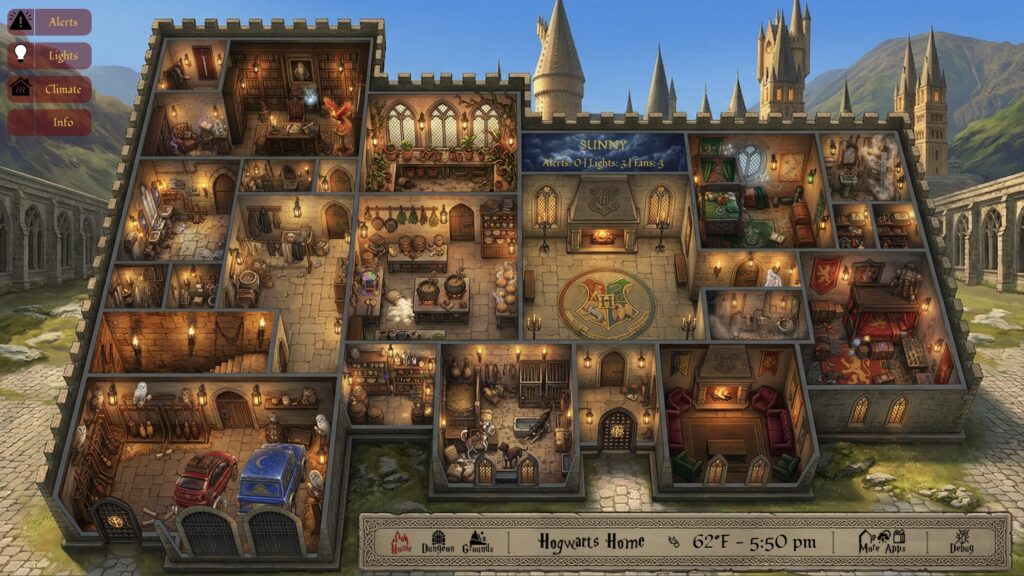
Main Level – Alerts
This view shows elements that have been identified as “alerts” for this floor of the house. The screenshot doesn’t show any alerts at the moment, but check out the build page t see how this was put together and what alerts exist here.
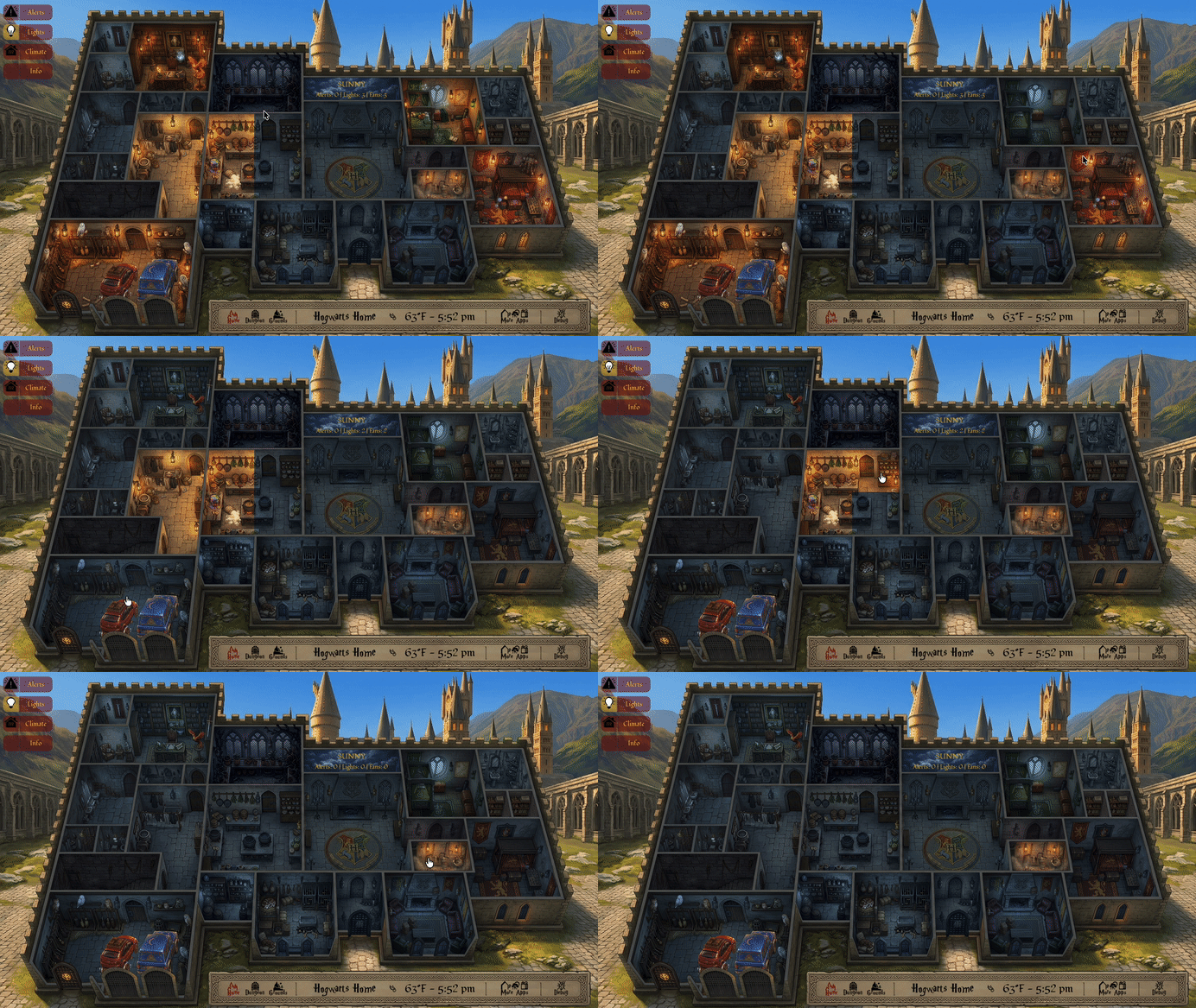
Main Level – Lights
This view is pretty much done at this point. Every room has an overlay that is shown as a conditional based on the state of the light in the room. Selecting a room not only shows the conditional but also turns on the light in that room in the house. It is great for bedtime when trying to turn off all of the lights.
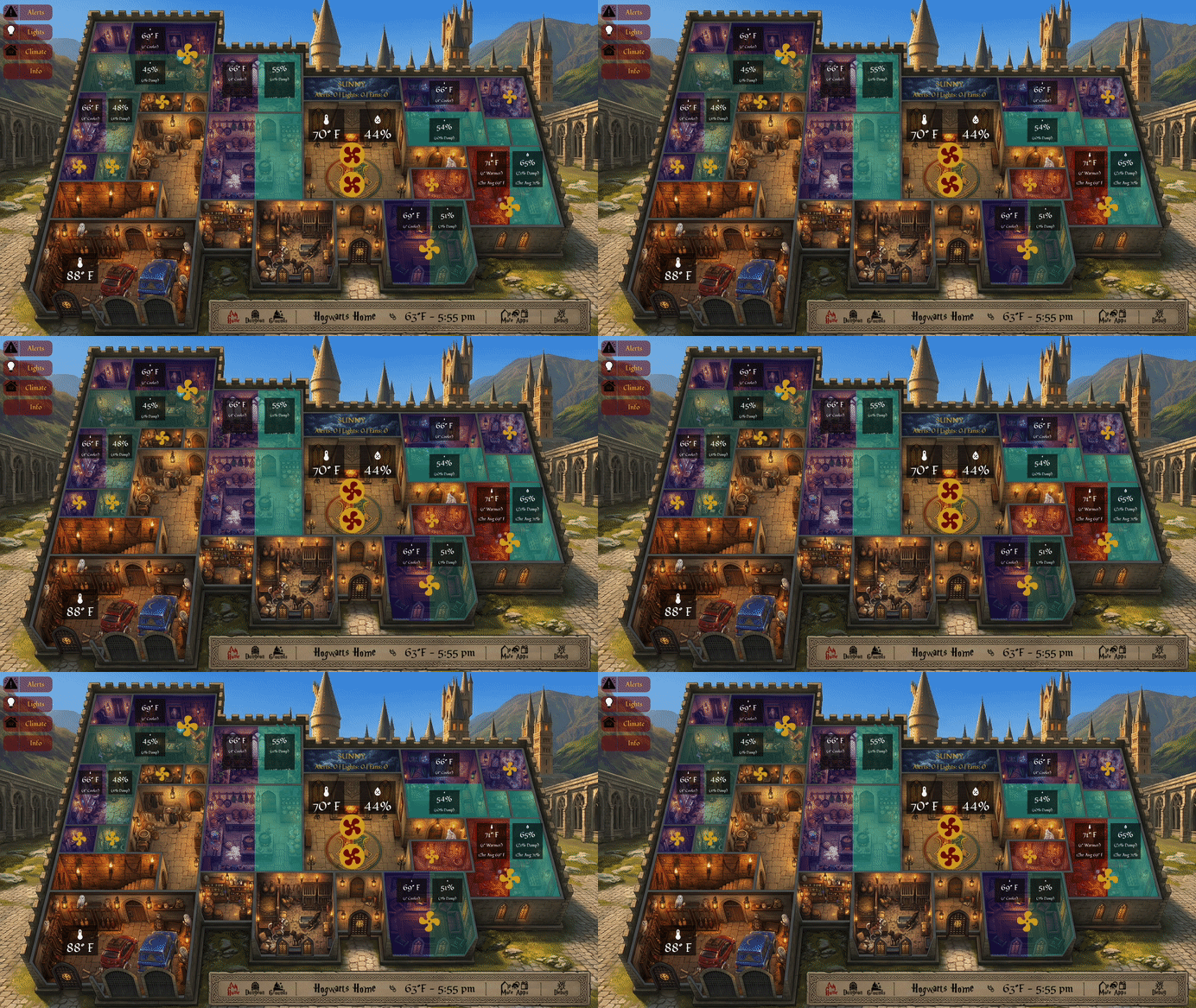
Main Level – Climate
Here is where all of the fans in the house are shown. You can see both running and non-running fans. Most rooms also have a humidity and temperature sensor. What I chose to do here is to show colored overlays in the rooms based on the temp and humidity states as they compare to the central HVAC readings. I also used conditional overlays here but limited to only show part of each room. Temperature is represented by blue (colder) or red (warmer) overlays and humidity is represented by teal (wetter) or tan (drier). The overlays have different levels of transparencies based on how far away the room is from the HVAC baseline.
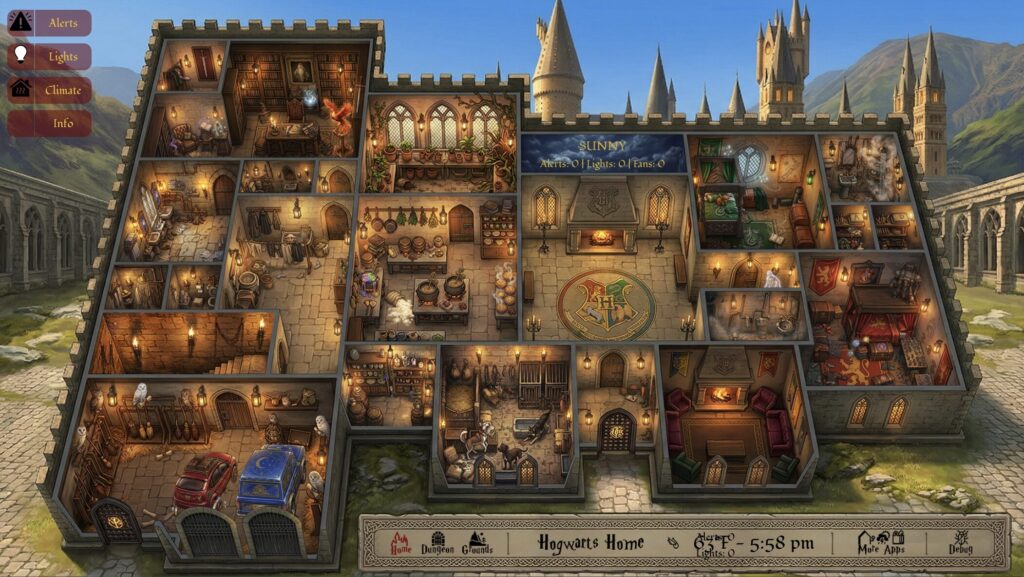
Main Level – Info
I actually haven’t started this build-out yet. This will contain icons for sensors and elements with click-to-show overlays with sensor information. It will offer a quick overview for any sensor in the house.
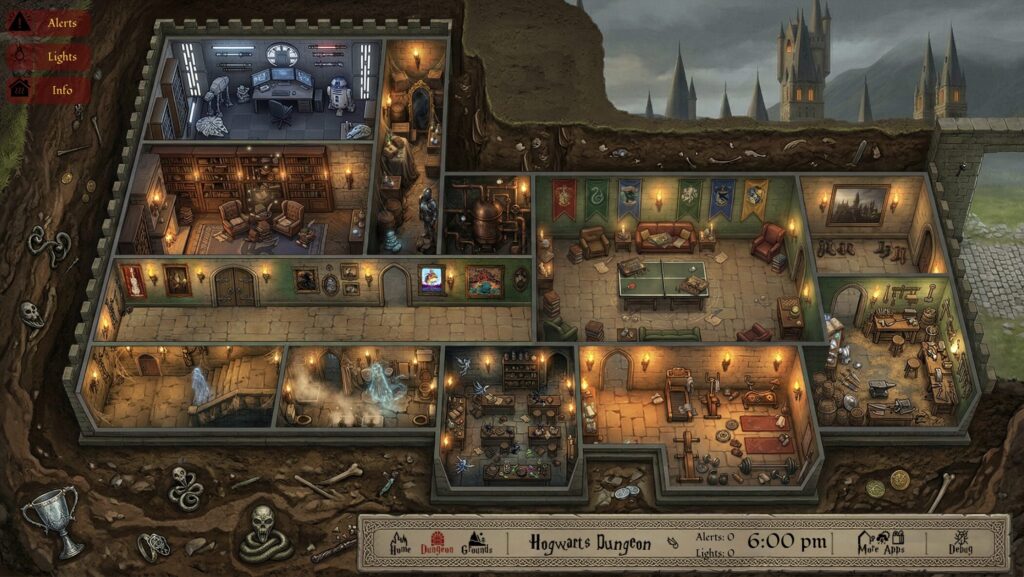
Dungeon – Alerts
Same as the main floor. Alerts for anything out of the ordinary here. No alerts are showing in this image.
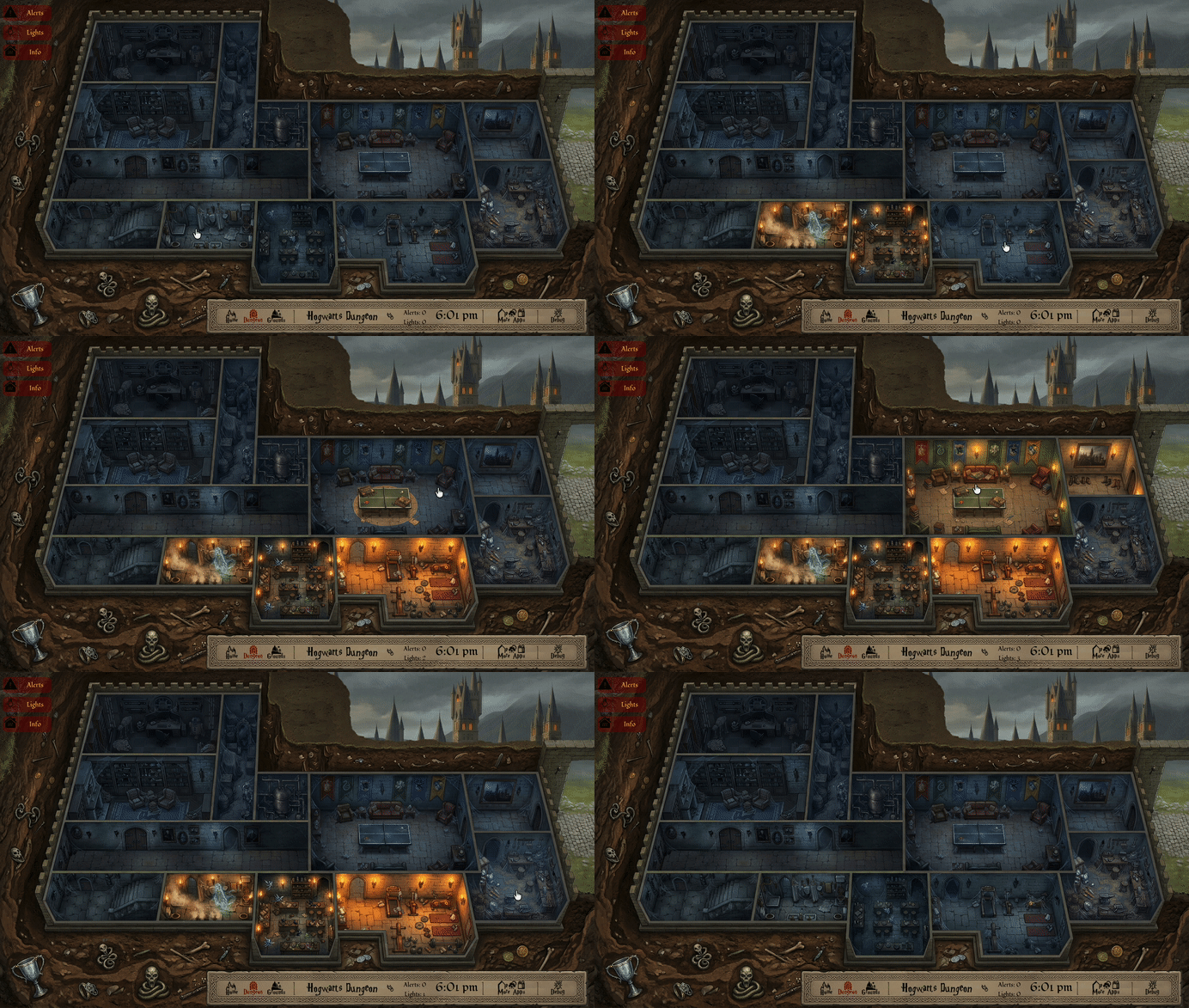
Dungeon – Lights
Same as the main floor. There are lights over the ping pong table, so I specifically made a light image for only the ping pong table, which you can see in the gif.
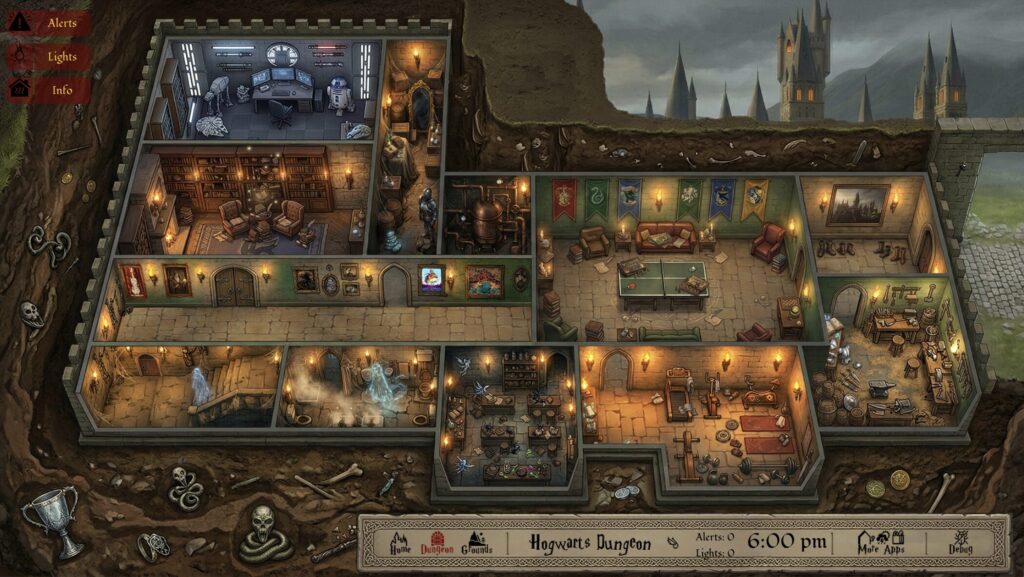
Dungeon – Info
Another one I haven’t fully built out yet. It will operate the same as the main floor.
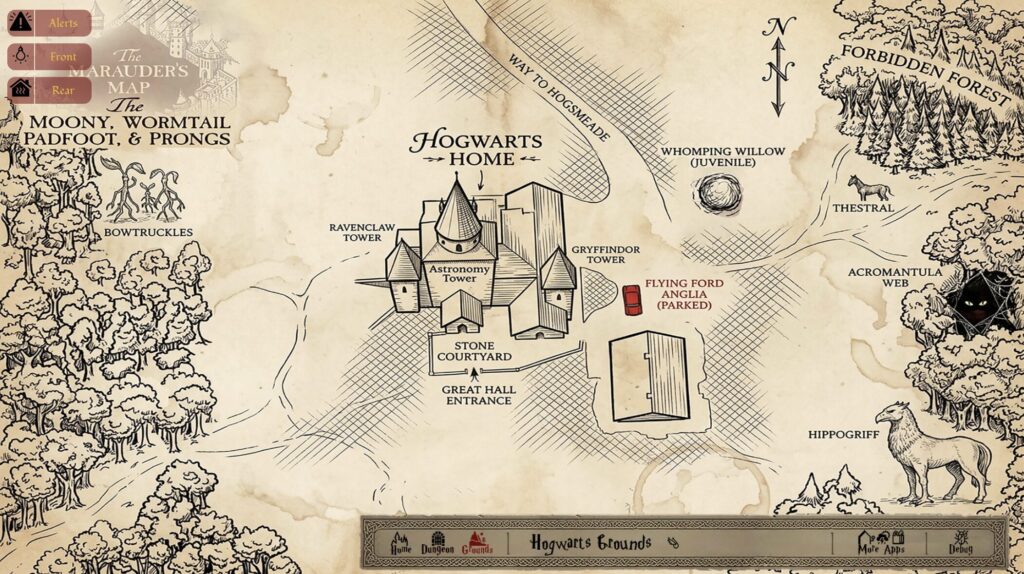
Outdoors – Alerts
There isn’t anything built here yet, but it is coming soon.
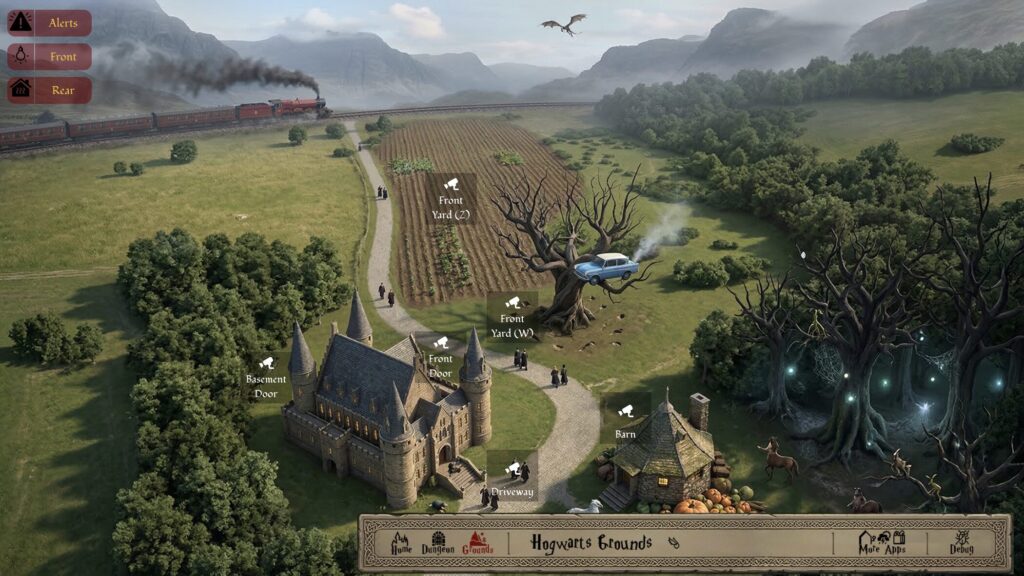
Outdoors – Front Yard
This shows all of the cameras in the front yard. Clicking on the camera opens a popup overlay of the camera feed.
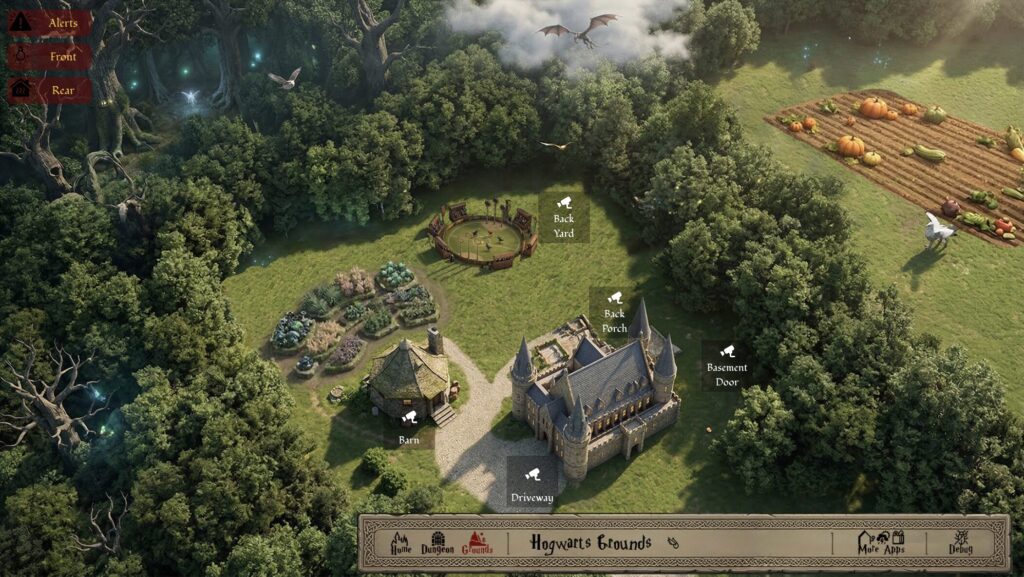
Outdoors – Back Yard
This shows all of the cameras in the back yard. Clicking on the camera opens a popup overlay of the camera feed.
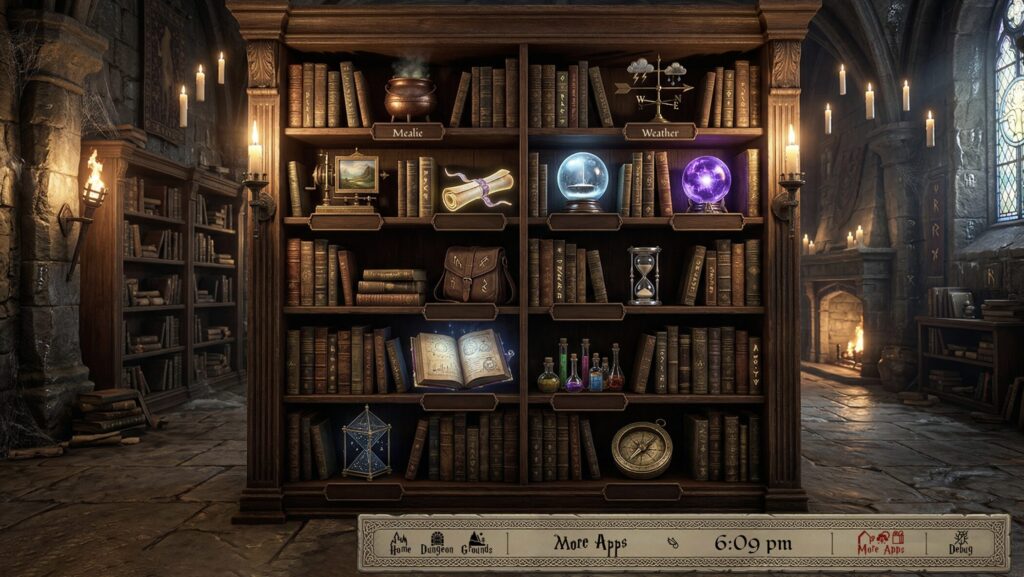
More Apps
Here I wanted a way to add other views and came up with the concept of a castle bookcase with objects and clickable elements. This only serves as a navigation screen to the other pages.
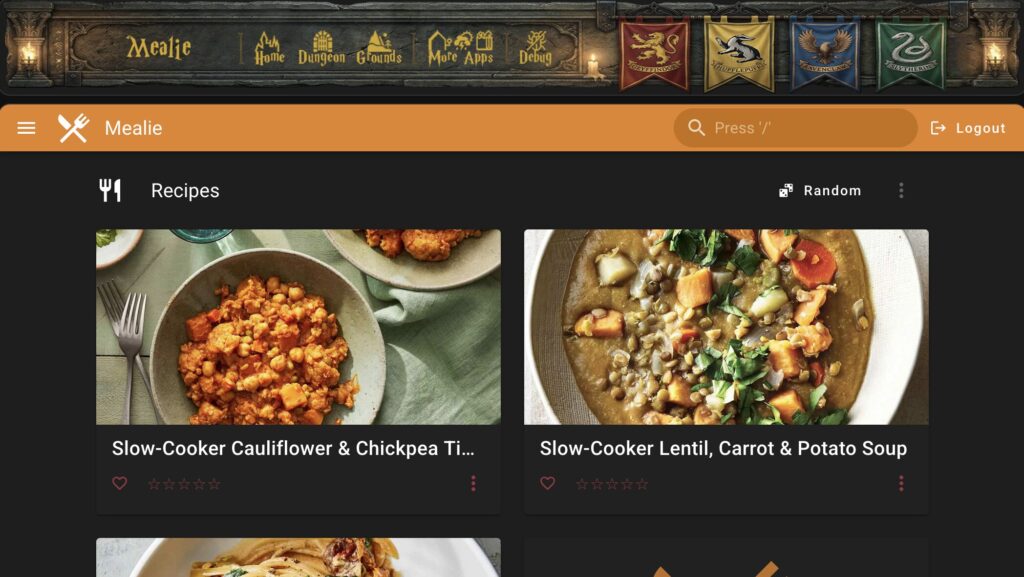
More Apps – Mealie
This view shows an embedded website. I run Mealie as an app in my homelab and since the display is in the kitchen wanted a way to show a recipe while cooking. This view allows me to navigate to a specific recipe and have it onscreen for quick reference.
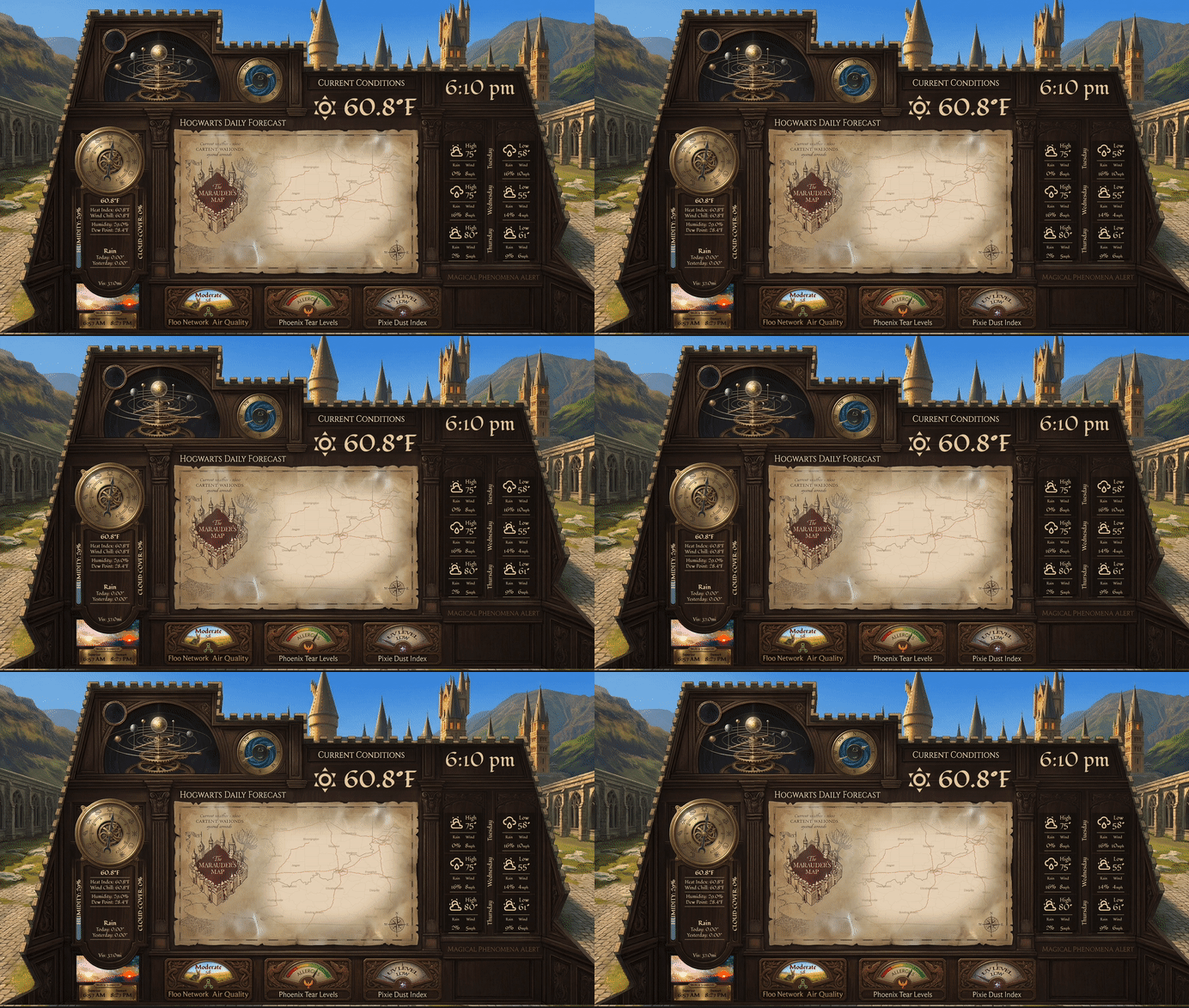
More Apps – Weather
This one turned out pretty amazing. The idea came from an AI prompt – I asked it to generate what a static weather dashboard might look like. That gave me plenty of inspiration and I built out this dashboard from that concept. There is a LOT of information here, so checkout the writeup to see how it was built and what information is available.
Whew – that is a lot! And as you can see, some of the views aren’t finished yet. In fact, this will probably be a project that never is truly finished as I add more sensors and data to my smart home. But that is the fun here!
What is up and running is a fully functional dashboard for my home that leverages almost all of my existing smart sensors, switches, and local data. My family all use the dashboard, meeting a major goal of the project – making sure it is “spouse approved” and “child friendly”.
Please feel free to check out the guides, how-tos, and other posts that tell the story of how I built this whole dashboard: Wizards Warren Dashboard.
Thanks for reading and have an awesome day!